Automated Property Alerts Guide
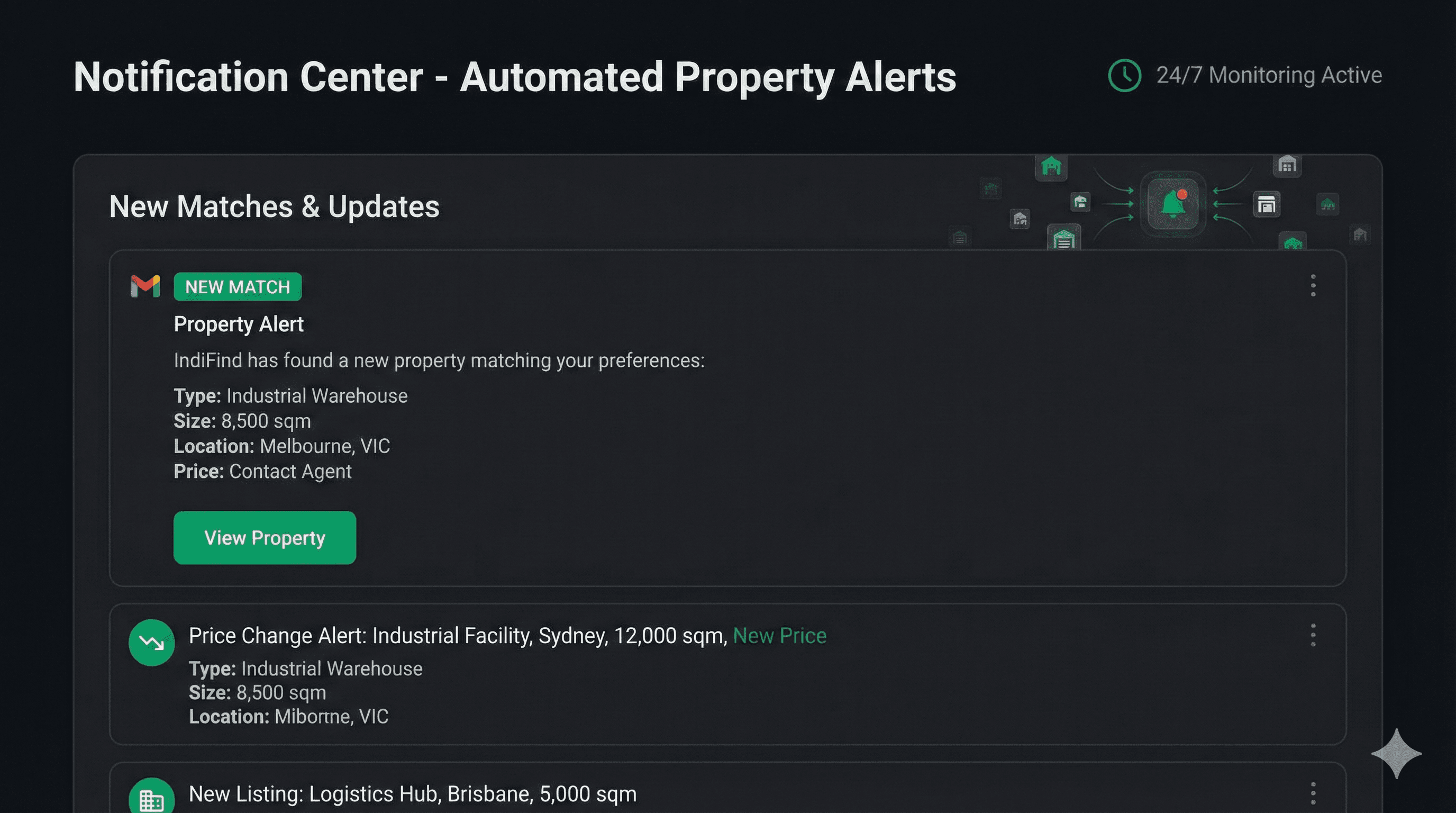
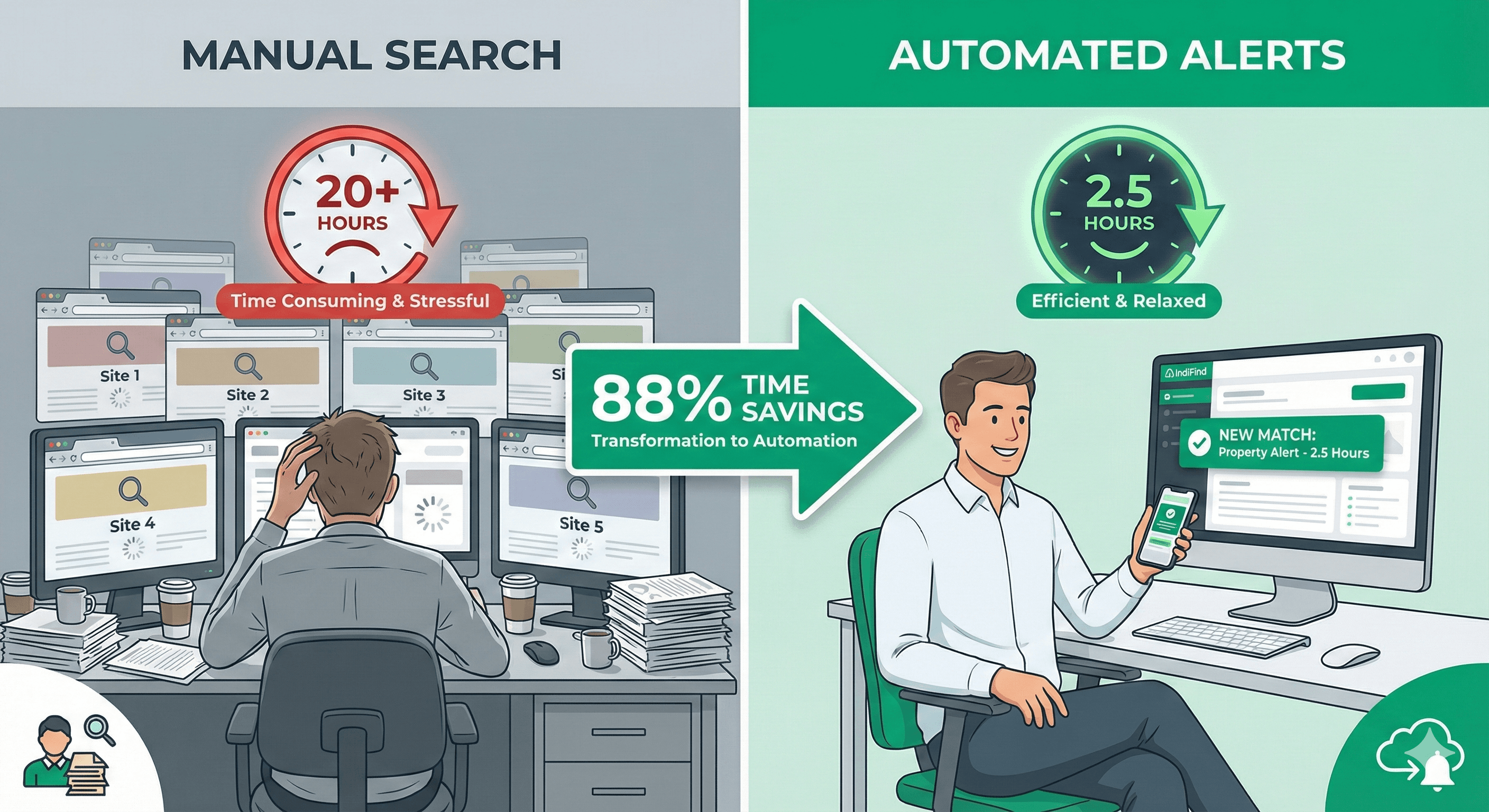
Manual property checking is a losing game. You check websites daily. Properties get listed at 2 AM. Competitors find them first. You miss opportunities.
Automated alerts solve this. Properties come to you. You're first to know. You're first to enquire.
The Problem with Manual Checking
Most property seekers check websites manually:
- Visit 5-9 different sites
- Check daily (or every few days)
- Miss properties listed overnight
- Find out about listings days later
- Lose deals to faster competitors
The result: You're always behind. Someone else finds properties first.
The IndiFind Solution
Automated alerts notify you instantly when new properties match your criteria. No manual checking. No missed opportunities.
How it works:
- You build routes and set preferences
- IndiFind monitors all properties 24/7
- New listings are checked against your criteria
- You get notified instantly when there's a match
- You're first to enquire
Alert Types
IndiFind offers two alert modes:
Instant Alerts
Get notified immediately when a new property matches.
Best for:
- Time-sensitive searches
- Competitive markets
- When you need to act fast
- High-value properties
Delivery: Email within minutes of listing
Daily Digest
Get one email per day summarizing all new matches.
Best for:
- Less urgent searches
- When you prefer batch updates
- Reducing email volume
- Weekly review workflows
Delivery: One email per day (you choose the time)
Setting Up Alerts
Setting up alerts takes 30 seconds:
Step 1: Build Your Routes
Create supply chain routes covering your target cities. Learn how to build routes.
Step 2: Set Your Preferences
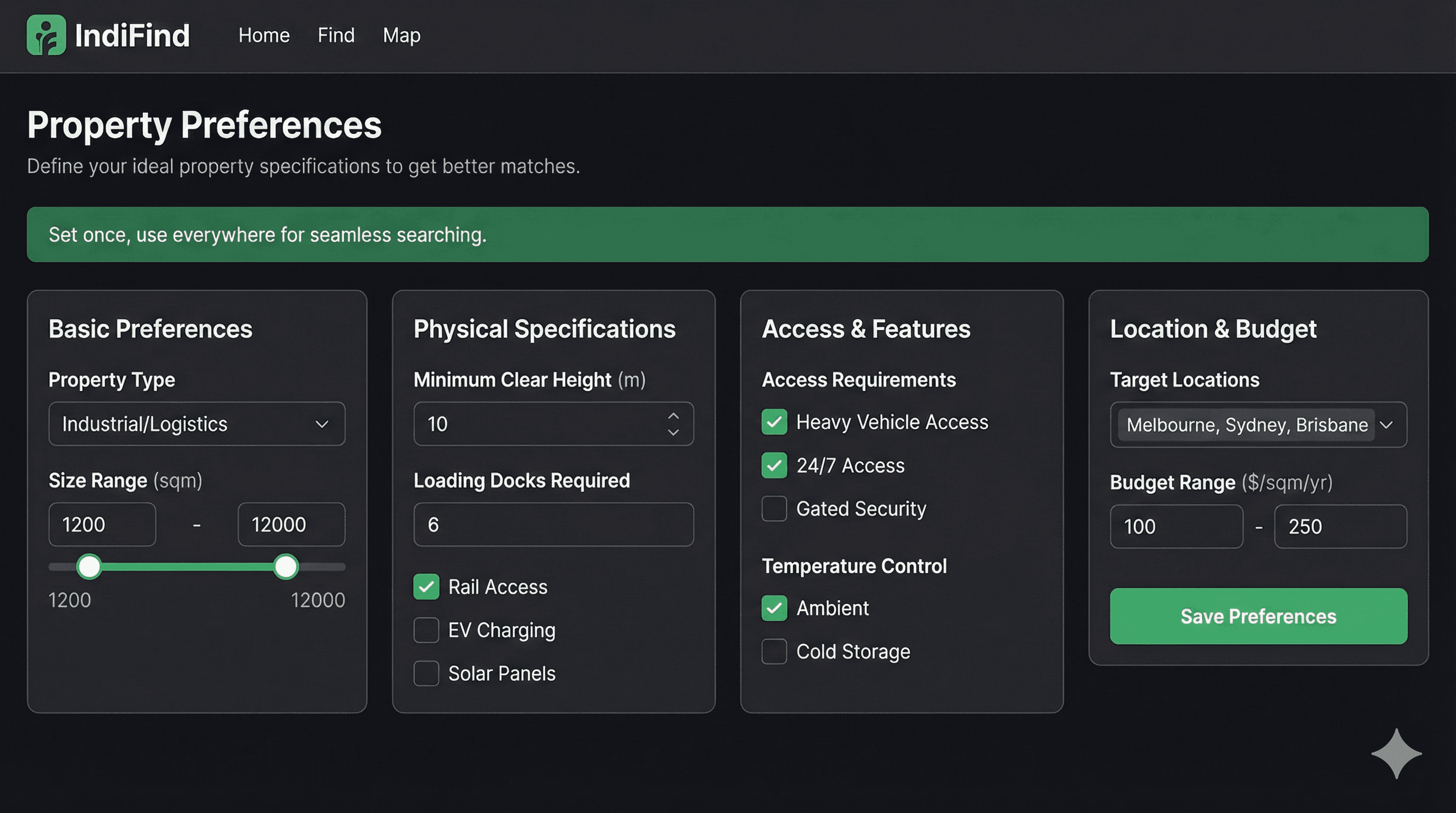
Define your property requirements. Learn how to set preferences.
Step 3: Enable Alerts
- Go to your Dashboard
- Click "Alerts" or "Notifications"
- Choose alert type (instant or daily digest)
- Select notification time (for daily digest)
- Click "Enable Alerts"
That's it. Alerts are active.
Alert Content
Each alert includes:
- Property details: Type, size, location, price
- Match reason: Why it matched your preferences
- Property link: Direct link to full details
- Quick actions: Enquire, save, or view on map
You have everything you need to act immediately.
Competitive Advantage
Automated alerts give you a 24/7 competitive advantage:
Speed
- Manual checking: Find listings hours or days later
- Automated alerts: Know within minutes
- Result: You're first to enquire
Coverage
- Manual checking: Miss properties listed while you sleep
- Automated alerts: Monitor 24/7, never miss anything
- Result: Complete market visibility
Efficiency
- Manual checking: Waste time checking sites daily
- Automated alerts: Properties come to you
- Result: Zero time spent checking
Real Results
Here's what alert users report:
- First to know: 24 hours faster than manual checking
- More opportunities: See 3X more matching properties
- Time saved: 5 hours/month no longer spent checking sites
- Better deals: Act fast, secure better terms
Alert Best Practices
Start with Instant Alerts
Begin with instant alerts to see how many matches you get. If it's too many, switch to daily digest.
Review and Refine
After a week, review your alerts:
- Are you getting relevant matches?
- Too many? Narrow your preferences
- Too few? Broaden your criteria
Act Quickly
When you get an alert:
- Review immediately
- Enquire within hours (not days)
- Being first matters
Use Multiple Routes
Set up alerts for multiple routes:
- Primary supply chain
- Expansion markets
- Backup locations
Each route gets its own alerts.
Common Questions
Will I get too many alerts? Start with instant alerts. If it's overwhelming, switch to daily digest or refine your preferences.
What if I'm on vacation? Alerts still work. You can review them when you return. Or pause alerts temporarily.
Can I pause alerts? Yes. Pause and resume alerts anytime from your dashboard.
Do alerts work for all countries? Yes. Alerts work across all 9 European countries IndiFind covers.
Next Steps
Ready to set up automated alerts?
- Sign up for free
- Build your first route
- Set your preferences
- Enable alerts (30 seconds)
Stop checking websites manually. Get started now.
About IndiFind: Automated property alerts notify you 24/7 when new properties match your criteria. Be first to know. Be first to enquire. Free forever.
Tags
Read Next
Time-Saving Property Search Strategies
Learn proven strategies to save 88% of your property search time. From route building to automated alerts, discover how to search smarter, not harder.
Setting Property Preferences That Save Time
Learn how to set property preferences once and eliminate the need to re-enter filters for every search. Save 10 minutes per search.

Warehouse Industrial for Rent: Complete European Guide
A complete, data-driven guide to renting industrial warehouse space in Europe: specifications, costs, lease terms, location strategy, and the exact process to secure the right facility with less risk and less wasted time.