Time-Saving Property Search Strategies
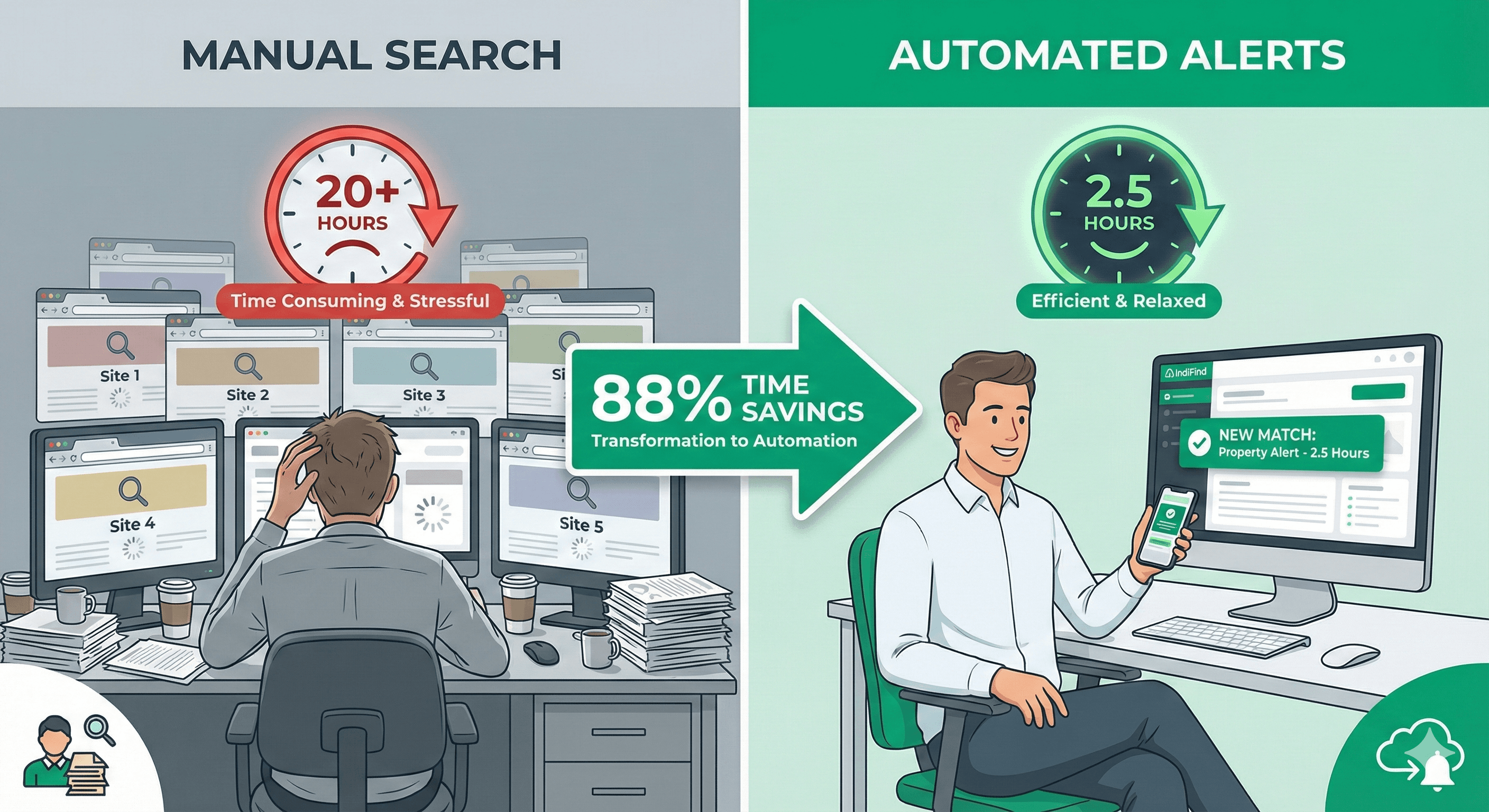
You're wasting 20+ hours per month searching for properties manually. There's a better way.
These strategies cut your search time by 88%. From 20 hours to 2.5 hours. Here's how.
The Time Waste Problem
Most property seekers waste time on:
- Manual searching: 15 hours/month checking 5-9 websites
- Re-entering filters: 3 hours/month typing the same criteria
- Daily checking: 2 hours/month visiting sites hoping for new listings
- Total waste: 20+ hours/month
At €75/hour, that's €1,500/month in wasted time.
Strategy 1: Build Supply Chain Routes
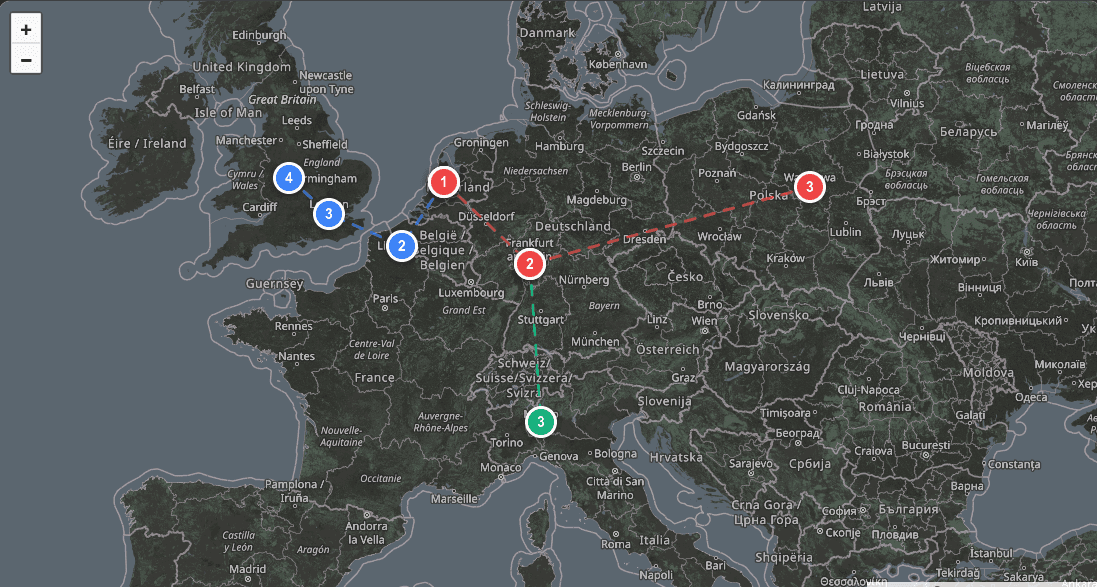
Instead of searching city by city, build routes that cover your entire network.
The Manual Way
Search each city separately:
- London: 30 minutes
- Rotterdam: 30 minutes
- Hamburg: 30 minutes
- Berlin: 30 minutes
- Total: 2 hours per search
The Route Way
Build one route covering all cities:
- Build route: 2 minutes (one time)
- Search all cities: 2 minutes
- Total: 4 minutes per search
Time saved: 15 hours/month → 2 hours/month (87% reduction)
How to Do It
- Sign up for IndiFind
- Build your first route
- Click cities on the map
- Save the route
- Search all cities at once
Learn more about route building.
Strategy 2: Set Preferences Once
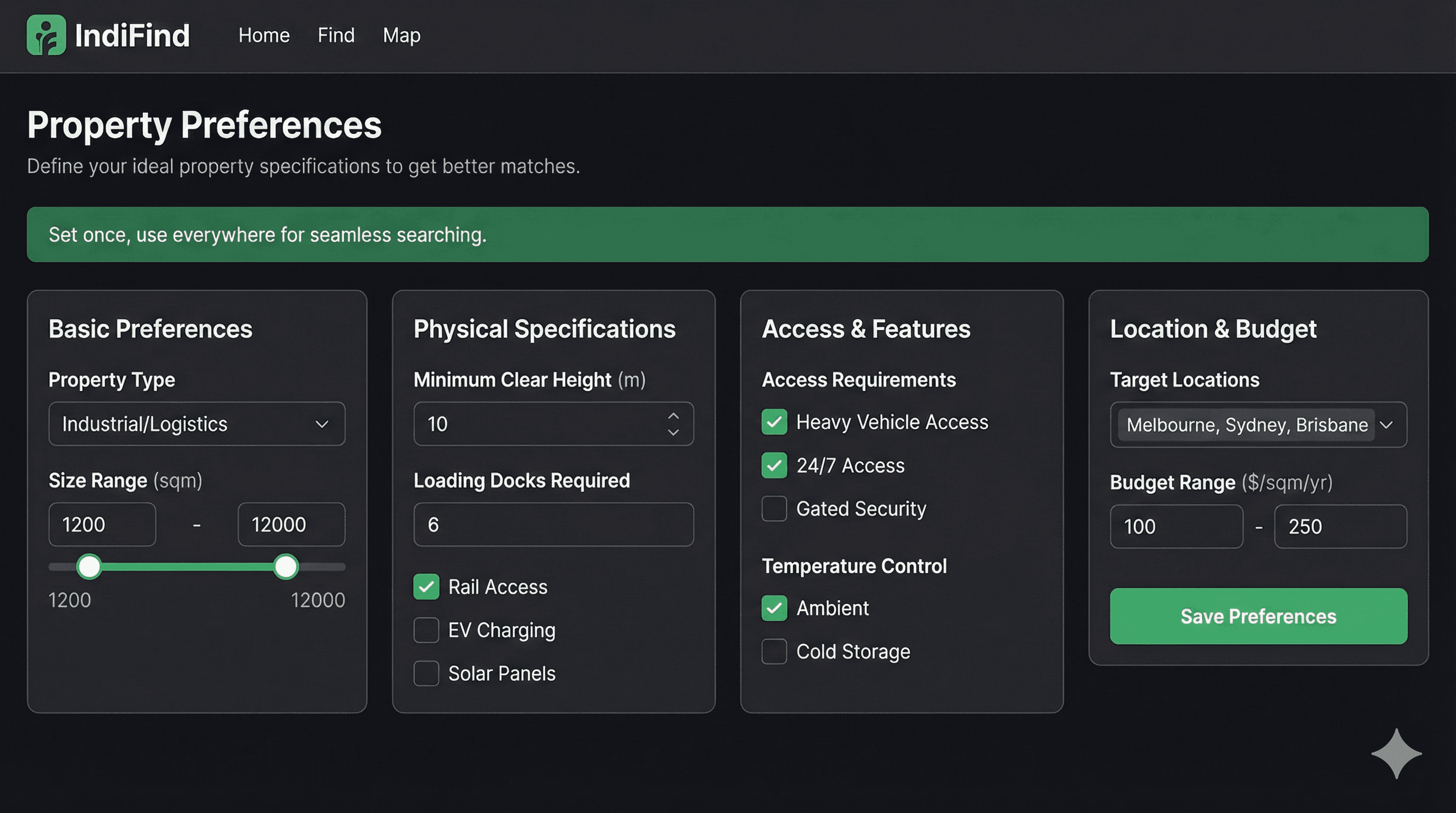
Stop re-entering filters. Set your requirements once. IndiFind remembers them.
The Manual Way
Enter filters every search:
- Property type: Warehouse
- Size: 5,000-10,000 sqm
- Location: Within 50km
- Budget: €50,000-€100,000
- Time: 10 minutes per search
The Preference Way
Set preferences once:
- Enter all criteria: 3 minutes (one time)
- All searches use them automatically: 0 minutes
- Time: 0 minutes per search
Time saved: 10 minutes/search → 0 minutes/search
How to Do It
- Go to Dashboard → Preferences
- Enter your requirements
- Save preferences
- All searches use them automatically
Strategy 3: Enable Automated Alerts
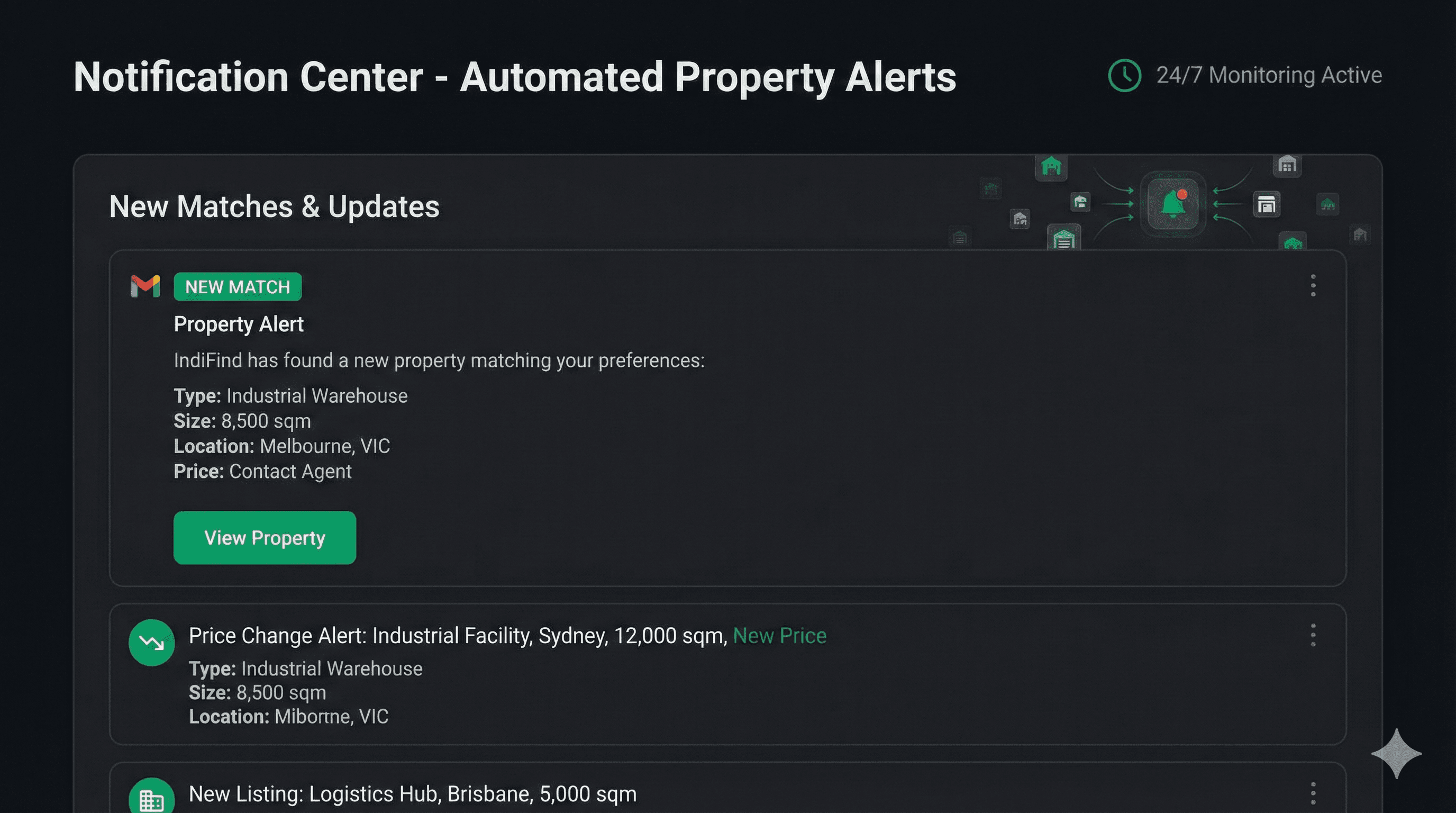
Stop checking websites daily. Properties come to you automatically.
The Manual Way
Check websites daily:
- Visit 5-9 sites: 15 minutes
- Check for new listings: 10 minutes
- Repeat daily: 25 minutes/day
- Time: 5 hours/month
The Alert Way
Enable automated alerts:
- Set up alerts: 30 seconds (one time)
- Properties come to you: 0 minutes
- Time: 0 hours/month
Time saved: 5 hours/month → 0 hours/month
How to Do It
- Build routes and set preferences
- Go to Dashboard → Alerts
- Choose alert type (instant or daily digest)
- Enable alerts
- Get notified automatically
Combined Strategy Results
Using all three strategies together:
Before:
- Manual searching: 15 hours/month
- Re-entering filters: 3 hours/month
- Daily checking: 2 hours/month
- Total: 20 hours/month
After:
- Route searching: 2 hours/month
- Preference automation: 0 hours/month
- Automated alerts: 0 hours/month
- Total: 2.5 hours/month
Time saved: 17.5 hours/month (88% reduction)
Value saved: €1,312/month (at €75/hour)
Advanced Strategies
Strategy 4: Use Multiple Routes
Build routes for different purposes:
- Primary supply chain
- Expansion markets
- Backup locations
- Regional searches
Each route searches independently. You get alerts for all.
Strategy 5: Refine Over Time
Start broad, then narrow:
- Week 1: Build routes, set basic preferences
- Week 2: Review results, refine preferences
- Week 3: Optimize routes, add/remove cities
- Week 4: Fine-tune for best results
Strategy 6: Compare Markets
Use routes to compare markets:
- Build routes in different countries
- Compare availability and pricing
- Identify best markets for your needs
- Focus search on optimal markets
Common Mistakes to Avoid
Searching manually:
- Checking websites one by one
- Better: Build routes, search all at once
Re-entering filters:
- Typing criteria every search
- Better: Set preferences once
Daily checking:
- Visiting sites hoping for new listings
- Better: Enable automated alerts
Not optimizing:
- Setting up once and forgetting
- Better: Review and refine monthly
Getting Started
Ready to save 88% of your search time?
- Sign up for free (2 minutes)
- Build your first route (2 minutes)
- Set your preferences (3 minutes)
- Enable alerts (30 seconds)
Total setup: 7.5 minutes
Time saved: 17.5 hours/month
That's a 140X return on your setup time.
Next Steps
Start saving time today:
- Sign up for free
- Follow the three strategies above
- Review results after one week
- Refine and optimize
Stop wasting time. Start searching smarter. Get started now.
About IndiFind: Save 88% of your property search time with route building, preference automation, and alerts. Free forever for property seekers.
Tags
Read Next
Setting Property Preferences That Save Time
Learn how to set property preferences once and eliminate the need to re-enter filters for every search. Save 10 minutes per search.
Automated Property Alerts Guide
Learn how automated property alerts keep you first to know about new listings. Get notified 24/7 when properties match your criteria—free forever.
How to Build Supply Chain Routes
Learn how to build supply chain routes that search multiple locations simultaneously, saving 15 hours per month on property searches.